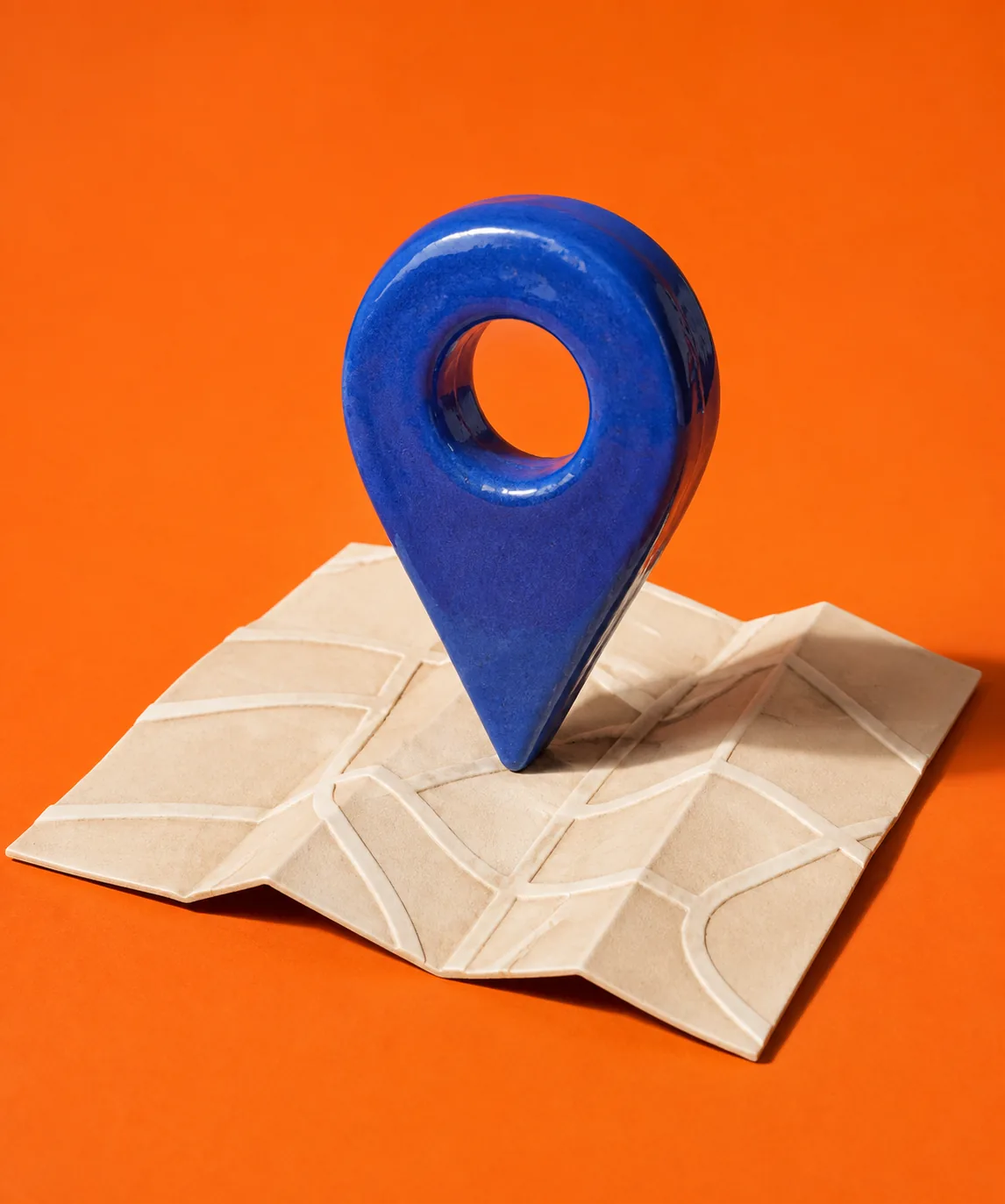
Search for “physiotherapy near me” and the first thing you see is a map with three practices. Ask ChatGPT and you get a few recommendations with links. Either way, a handful of details decide whether your business is there. You can look after most of them yourself, and they cost nothing.
In short
- A Google Business Profile, complete and verified.
- The same details everywhere: on your website, on Google, on Apple Maps, on local.ch and search.ch.
- A website that answers questions, the ones your customers have before their first visit.
- Block nothing: Google and ChatGPT's search may read your website.
- Honest reviews, and a reply to each one.
The Google Business Profile
The profile is free and appears in Google Search and Google Maps. You can have one if you see customers at set hours or travel to them, as a tradesperson does. If you travel to customers, you also give the area you work in.
Fill everything in and have the profile verified. What matters most:
- the name, as your business is called day to day. Google doesn't allow additions such as “Physio Zurich, best back clinic”.
- the category that most closely describes what you do.
- the opening hours, and special hours for public holidays and time off.
- phone, website and photos of your business, your rooms and your work.
Google ranks local results by three things: how well a profile matches the search, how close the business is, and how well known it is. You can't change the distance. The other two you can, with complete details and with reviews.
The same details everywhere
Your business appears in more places than you'd think: on your website, on Google, on Apple Maps, on local.ch and search.ch, perhaps with a trade association. If an old phone number or different opening hours show up somewhere, no one knows any more what's right.
- local.ch and search.ch: the basic listing for businesses is free. Through localsearch.ch you see your listing and have it changed.
- Apple Maps: with Apple Business you claim your location and set your logo, opening hours and pictures yourself.
- Associations and trade directories you're a member of.

The easiest way: write your details down cleanly once and copy them from there. When something changes, go through the list.
A website that answers questions
On Google or in an AI search, what's shown is what fits the question. So put on your website what customers want to know before their first visit:
- what you offer, and for whom;
- roughly what it costs, or what the price depends on;
- where you are, how to get there and whether there's parking;
- when you're open and how to get an appointment;
- what people in your trade often ask, for example whether they need a referral or whether their health insurance pays.
A page of its own for each main service helps more than one long list. And write in your customers' words: “back pain”, not only “manual therapy”.
Name, address, phone and opening hours can also sit in the website as structured data, in a form search engines read reliably. Google's rule: it must match the visible text on the page.
What AI search needs
Google has AI features in Search, such as AI Overviews above the results. According to Google there are no additional requirements and no special optimisations for them: a page must be in Google Search and allowed to be shown with a snippet. Google says explicitly that you don't need new files for AI or special markup.
ChatGPT searches the web with a crawler of its own, OAI-SearchBot. If you block it, OpenAI says your site won't be shown in ChatGPT's search answers. Another crawler, GPTBot, collects text for training AI models. The two are independent: you can block training and still appear in search.
What applies to you is in the file robots.txt. Open
your-domain.ch/robots.txt in your browser. If it says
Disallow: / under User-agent: OAI-SearchBot,
User-agent: Googlebot or User-agent: *, your
website is blocked for that search. After a change, OpenAI takes about 24
hours to catch up.
Honest reviews
Google names reviews, and replying to them, as one of its tips for a better local ranking. New customers read them anyway. The rules are clear. Google forbids:
- money, discounts or gifts in return for a review;
- asking only happy customers, or discouraging negative reviews;
- reviews with a conflict of interest, for example from employees.
It's best to ask everyone, shortly after the visit, with a direct link to your profile. And reply to criticism too: factually, kindly and without details.
What Nokk takes care of
You look after your Google profile yourself; Nokk doesn't do that for you. Much of the rest fits together in Nokk:
- Your details in one place. Name, address, phone and opening hours are in your business profile. Change them there, and they're right on your website, under your emails and on your booking page.
- Readable for search engines. Nokk writes these details into your website as structured data, but only what is confirmed and shown on the page. Every domain gets a sitemap, and Nokk blocks neither Google nor ChatGPT's search.
- A website built around your customers' questions. Nokk AI plans your website around what customers want to know before their first visit, with a page of its own for each of your main services.
- Reviews after the appointment. If you switch it on, Nokk Calendar asks for a review after every completed appointment, directly on Google if you like, with one reminder. Everyone is asked, not only the happy ones. Practices see a note on professional secrecy with it.
Your checklist
Tick off what's done. Your browser remembers it on this device.
Done 0 of 10
Start with your Google profile. It costs nothing, and customers see it first.
Sources and further reading
- Google: Tips to improve your local ranking ↗
- Google: Guidelines for representing your business ↗
- Google: AI features and your website ↗
- Google: Local business structured data ↗
- Google Maps: Prohibited and restricted content ↗
- OpenAI: Overview of OpenAI crawlers ↗
- localsearch: free basic listing on local.ch and search.ch ↗
- Apple Business: your location in Apple Maps ↗
- Swiss Criminal Code, Art. 321 (professional secrecy) ↗
 Website.
 Email.
 Bookings.
 Customers.